
An Instructional Design review of iSpring Learn LMS for eLearning
Let's be honest—the LMS market is crowded. With over 800 platforms out there, choosing the right one can feel like online dating for eLearning. Promises of smooth user experiences, dynamic course creation, and magical Instructional Design tools are everywhere.
Hi, I'm Bianca Raby—EdTech nerd and fierce advocate for quality Instructional Design. I live and breathe eLearning, and I recently took a dive into iSpring Learn, a dual-purpose platform operating both as an LMS and an authoring tool. Yep, two for the price of one—or at least, two for the price of two with a solid discount code.
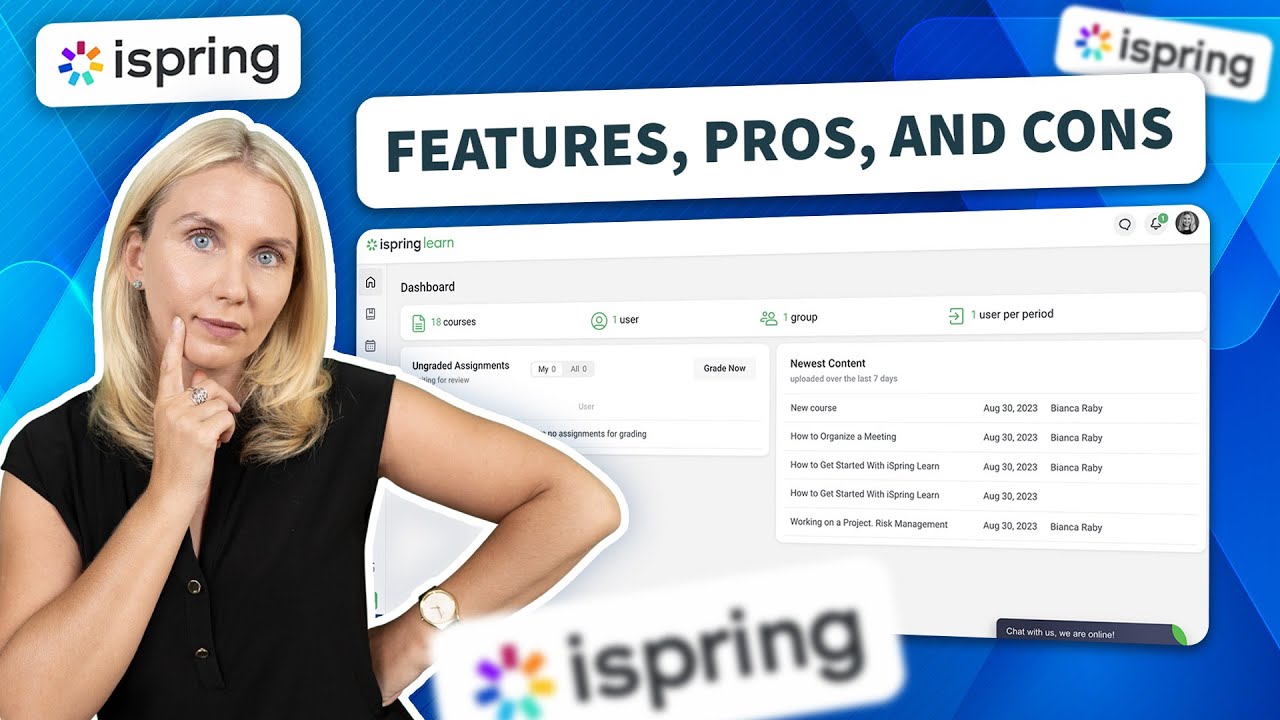
This review is focused on iSpring Learn, the LMS component of their wider ecosystem. If you prefer to watch, I've put my video below.
A look inside iSpring: LMS meets eLearning toolkit
When you first sign up, you land in iSpring Space—the central dashboard where you can trial iSpring Learn for 30 days. From here, the LMS world opens up.
But iSpring doesn't stop at being an LMS. It offers:
- iSpring Suite – an authoring tool for creating SCORM-compatible eLearning content.
- iSpring Learn – the actual LMS, where learners access content and administrators manage delivery.
- iSpring Lib – a rich resource library packed with templates and visual assets to enhance your Instructional Design.
What I appreciated was the clear delineation of roles—each tool plays its part in the full eLearning and Instructional Design process.
What works well in iSpring Learn LMS
After a few hours exploring the platform, here are the highlights that stood out from a learning design lens:
- Courses are responsive and accessible, two non-negotiables in modern eLearning.
- User management is intuitive, with bulk import/export options.
- Roles and groups are easy to set up—critical for any effective LMS structure.
- Robust reporting, including by learner or by course, makes Instructional Design evaluation easier.
- Most importantly, it feels like the developers have listened to the needs of admins, learners, and Instructional Design professionals alike.
You can tell this LMS has matured over time.
LMS limitations and Learning Design quirks
No platform is perfect. Here's where iSpring could do better:
- iSpring Suite doesn't support Macs natively—you'll need Windows to run the authoring tool. Not ideal for Mac-based Instructional Design teams.
- Terminology is fixed, meaning terms like "TRAININGS" and "PERIOD" might confuse those outside the U.S.
- Linear course flow only—there's no branching logic, which limits flexibility in eLearning experiences.
- And yes, the chat box covers the course nav bar (you'll hear my scream echoing across the Instructional Design world).
A bonus for Instructional Designers: portfolio perks
Here's a gem: iSpring Suite includes a portfolio feature. For freelance Instructional Design professionals, this is huge. You can showcase your eLearning work, personalise the visuals, and make a powerful impression on potential clients—all from inside your LMS toolkit.
My opinion about this LMS
So, what's the verdict? iSpring Learn stands out as a solid, user-friendly LMS that plays well with Instructional Design tools and meets the needs of many eLearning contexts. It's not perfect, but it's practical, polished, and worth exploring—especially with their generous free trial and added discount codes.
Have you built in iSpring Learn? I'd love to hear your experiences. Drop a comment, and let's chat more about what really works in today's dynamic LMS and eLearning ecosystem.
Until next time, stay awesome.